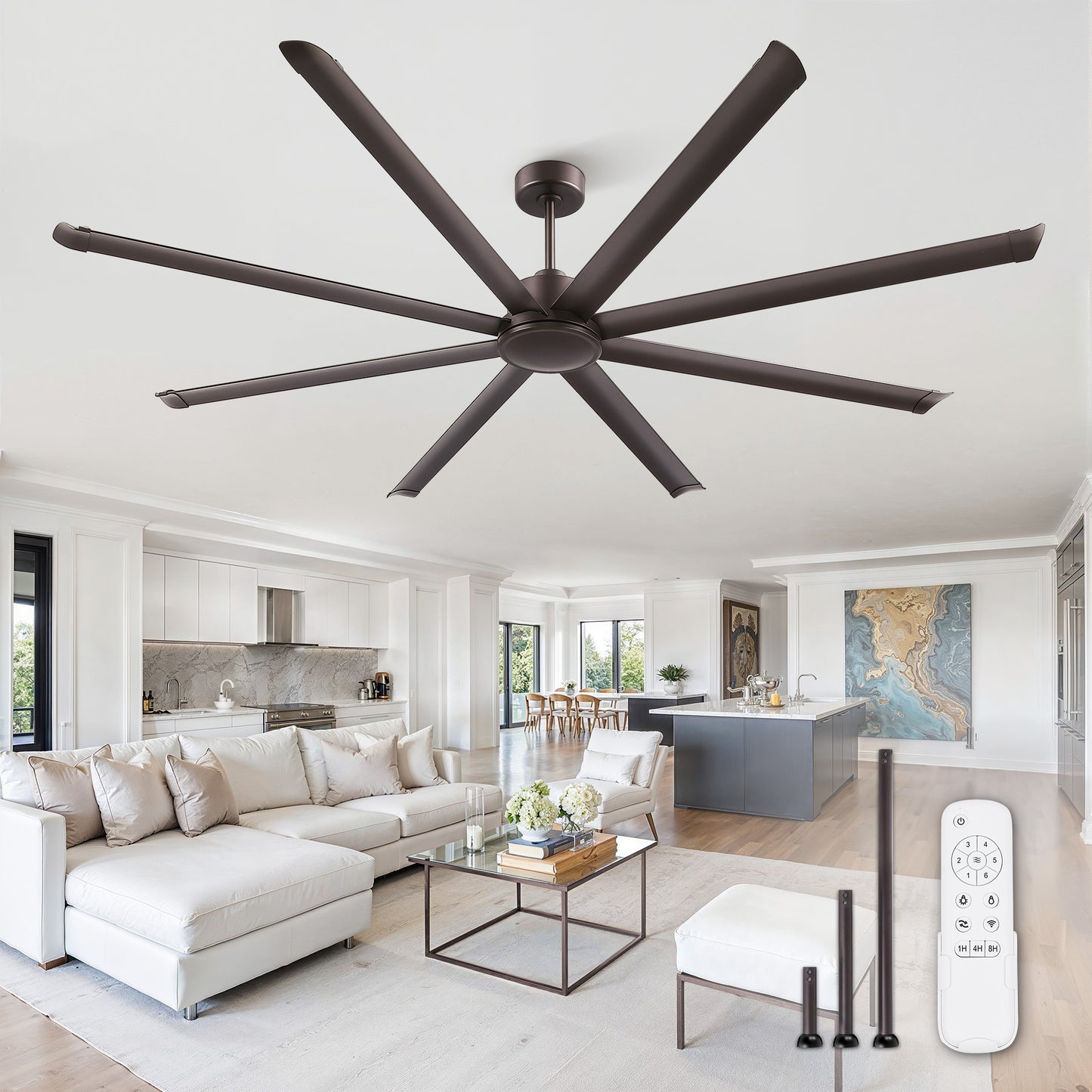
Installation Video For Product ModelSD96B
Installation Video For Product ModelSD96B
Warranty & Support
Your product is covered by a 2-year warranty. If you receive a damaged item, find parts missing, or have any operational issues, please contact our customer service team.
Frequently Asked Questions
Q: What should I do if the product is not working?
⚠️WARNING: Always turn off the power at the circuit breaker before inspecting any electrical connections.
A: If your fan is not working, please follow these steps in order:
- Check the power supply. At the ceiling, you should find three wires: black (live), white (neutral), and green/yellow/copper (ground). Verify they are securely connected.
- Check the remote control. See if its indicator light is on. If not, replace the batteries. Then try re-pairing it with the fan following the manual.
- Check all wire connections. Ensure the motor wires are tightly secured to their terminals. Reconnect them if needed, and check for any exposed wiring.
- Check your wall switch. If you are using a dimmer or speed control switch, please replace it with a standard on/off one.
- Still not working? If the issue persists after all checks, please contact our after-sales service email.